 Download on Google Play
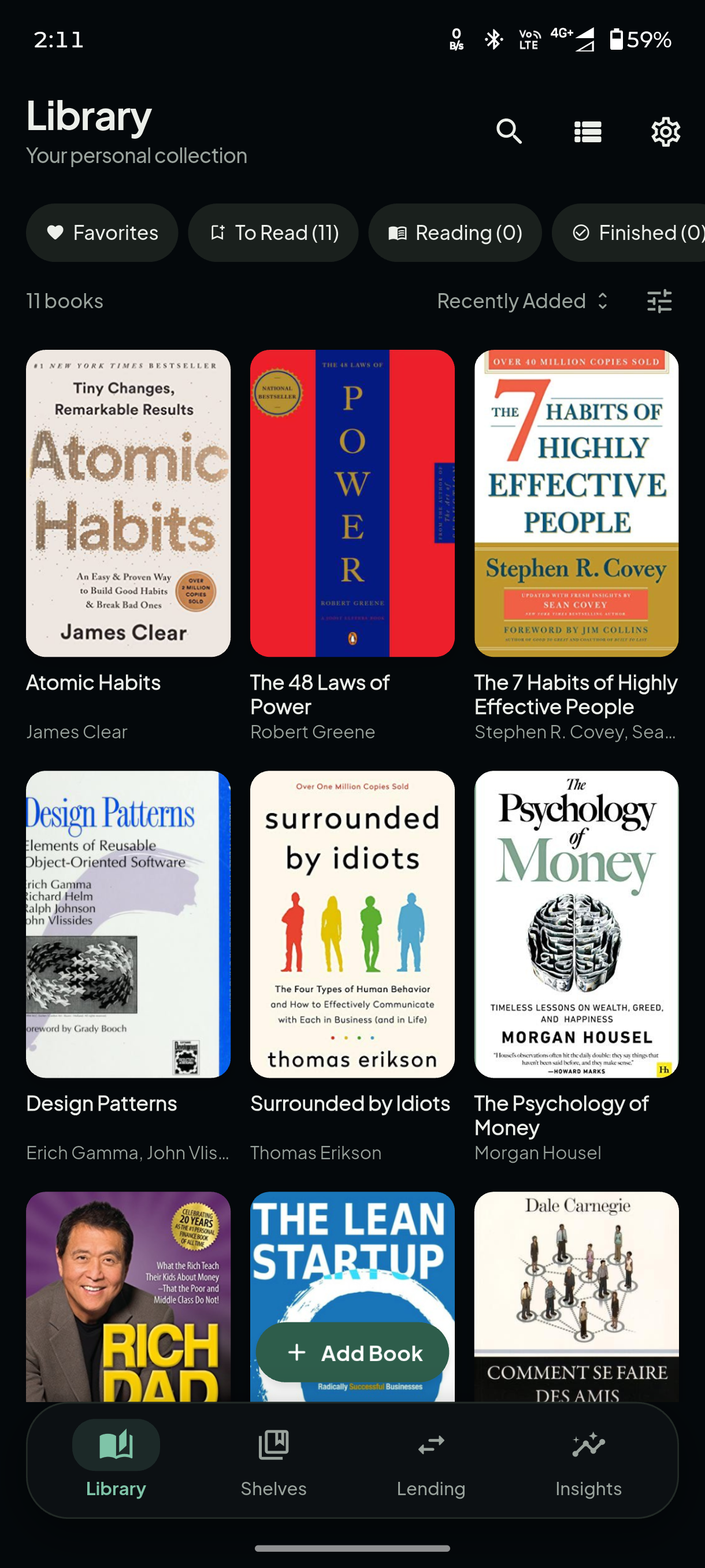
Organize Your Collection
Catalogue every book you own, sort them into custom shelves, and keep your entire library in one tidy place.
 Book Library
Personal Library Manager
Book Library
Personal Library Manager
Book Library helps you organize, track, and enjoy your personal book collection with a fast, private, and thoughtfully designed experience.
Thoughtful tools that make managing your books effortless — nothing more, nothing you don't need.
Catalogue every book you own, sort them into custom shelves, and keep your entire library in one tidy place.
Track pages read and reading status — To Read, Reading, or Finished — so you always know where you left off.
Add books in seconds by scanning their barcode. Title, author, and cover are filled in automatically.
Know exactly who borrowed which book and when — no more forgotten loans or missing volumes.
See your reading habits at a glance with clear statistics on your library, progress, and activity.
Securely back up and restore your library whenever you choose. Backups are completely optional and remain entirely under your control.
Available on Google Play. Free, ad-free, and privacy-first.
Yes. Book Library functions primarily offline. An internet connection is only needed when you look up book details online or run an optional Google Drive backup.
Yes, Book Library is free to download and use on Android. You can optionally purchase the PRO version to get advanced insights, auto backup and more.
No. Book Library is entirely ad-free. Your attention is never sold, and there are no banners, pop-ups, or sponsored content.
Only what a feature needs. The camera is used to scan ISBN barcodes, and storage access is optional for custom cover images. The app never reads your contacts. See the Privacy Policy for full detail.
Yes. You can optionally back up your library to your own Google Drive. Backups are stored in a visible folder under your control and can be restored or deleted at any time.
Book Library is currently available on Android, with support for iOS planned for the future.